
The Green Bay Packers are hosting the Dallas Cowboys in a Week 6 Sunday night game at Lambeau Field.
The Milwaukee Journal Sentinel is using an interim live-chat option before a permanent solution is in place in 2026. Join us Sunday, Oct. 18, for a live conversation in Microsoft Teams via its Town Hall feature.
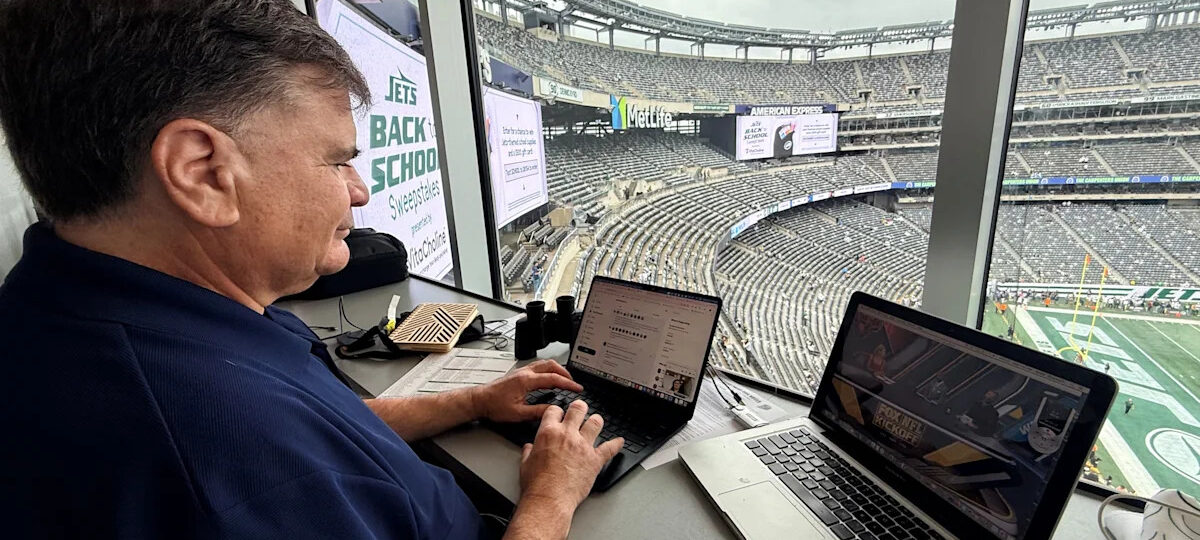
Longtime Packers beat reporter Tom Silverstein will take questions live in the Q&A portion of the Town Hall, and he will jump on video with Dominique Yates for a discussion at halftime. The live chat will open about 30 to 45 minutes before the game, which starts at 7:20 p.m.
Sign onto the live chat with this link: https://teams.microsoft.com/l/meetup-join/19%3ameeting_YjNjZjFlMDYtMTgxNi00NDU1LThkZDAtZDA2MzI1MDY1NzVj%40thread.v2/0?context=%7b%22Tid%22%3a%22bc924c8d-3e16-4e88-bf26-d7fcfb14f2d5%22%2c%22Oid%22%3a%22d3c69c7f-d973-42c6-84ba-dda6008ffab1%22%7d
If you run into issues, please email jsmetro@jrn.com. Some users are unable to access the chat on a Safari browser.
live chat
Follow the link to the live chat. If you’re early and we haven’t started, you’ll see a message that says the call hasn’t started.
The live chat is taking place on Teams. You can use Teams in your browser on a desktop or laptop computer. If you experienced issues using the browser in the past, I encourage you to try it again this week as we worked out some kinks. However, to use Teams on your phone, you’ll need to download the app on your device. You don’t need an account to access this chat.
Silverstein will go on video during halftime, but for the most part, the chat will happen in the Q&A portion of the Teams Town Hall. If you log in and see a powerpoint slide or a photo of the Packers, you’ve made it to the right place.
You can find the actual Q&A where the live chat with Silverstein is in the navigation of Teams. In the browser, it’s on the top right corner.

On a laptop, you can adjust the size of the Q&A on your screen by dragging a thin gray line to make the Q&A larger and the video screen smaller.
In the app, the Q&A may take a couple steps to find. First navigate to the three dots next to the red phone icon.

Then select Q&A from a menu with options for sharing, apps and other items.

You can ask questions or participate in a discussion right away. Please use your name in the question, so Silverstein can respond more easily.
Download the Teams app on your phone or device before trying to log into the chat.
Some app users experienced issues because of the permissions in their app. In order to join on the app, you will need to have certain permissions enabled or on: microphone, notifications and phone.
To log into the chat without using the app, you can use the browser. Click the link to join, you will get a pop up on your browser. If you don’t, check to see if your browser blocks pop-ups.
The first pop up you’ll see will ask if you want to join the meeting on the app. If you want to participate in the browser, you should select “cancel.” If you select “open microsoft Teams,” it will take you to the app or take you to where you can download it.

Next, you’ll get a pop up asking if you want to continue onto the browser or if you want to download the app. Select “continue on this browser.”

You may also need to adjust your video or microphone settings to join the meeting. Participants in the live chat with Silverstein will be able to ask questions in the Q&A, but no participants will be on camera or be able to speak in the chat.

If you are still experiencing issues, email jsmetro@jrn.com.
This article originally appeared on Milwaukee Journal Sentinel: Join Insider Tom Silverstein for a live chat during Packers vs Cowboys Week 6 game
Discover more from NAIRAVOICE.COM.NG
Subscribe to get the latest posts sent to your email.